
Screenshots
App details
- Updated
- Apr 24, 2017
- Language
- Afrikaans,English
- Developer
- Van Loo Software™
- Category
- Mobile
SoftPas in:
This product is also available in the following languages:
About SSuite Accel Spreadsheet
Download SSuite Accel Spreadsheet – spreadsheet, calculation, data management, charting, ODBC, free, tool, utility, productivity, calculator
Overview
SSuite Accel Spreadsheet is a productivity-focused application designed to meet the needs of users who require a powerful yet accessible tool for data manipulation and analysis. It functions as a comprehensive spreadsheet solution, offering robust capabilities for performing both basic and advanced calculations. The app is particularly notable for being entirely free, which makes it a compelling alternative to premium software without compromising on essential functionality. It is suitable for students, small business owners, educators, and independent professionals who need to organize, analyze, and visualize data efficiently.
By providing features such as dynamic chart generation, support for complex formulas, and an ODBC connection system, the app addresses common challenges in data management and presentation. Its ability to generate 2D and 3D charts based on input data enhances clarity and supports informed decision-making. The recent document history feature improves workflow efficiency by enabling quick access to previously used files. Although the developer did not provide additional technical details about the development background, the app's continued availability since its release in 2017 suggests a stable and maintained product.
Within the broader productivity app ecosystem, SSuite Accel Spreadsheet fills a niche for users seeking a lightweight, no-cost alternative to mainstream spreadsheet tools. It supports independent software development by offering a high-quality product without subscription models or in-app purchases, aligning with user preferences for transparency and affordability.
Key Features & Functionality
- Comprehensive Calculation Tools: The app supports a wide array of mathematical and statistical functions, enabling users to perform complex calculations, including financial modeling, data analysis, and formula-based computations. This is particularly useful for budgeting, inventory tracking, and academic work.
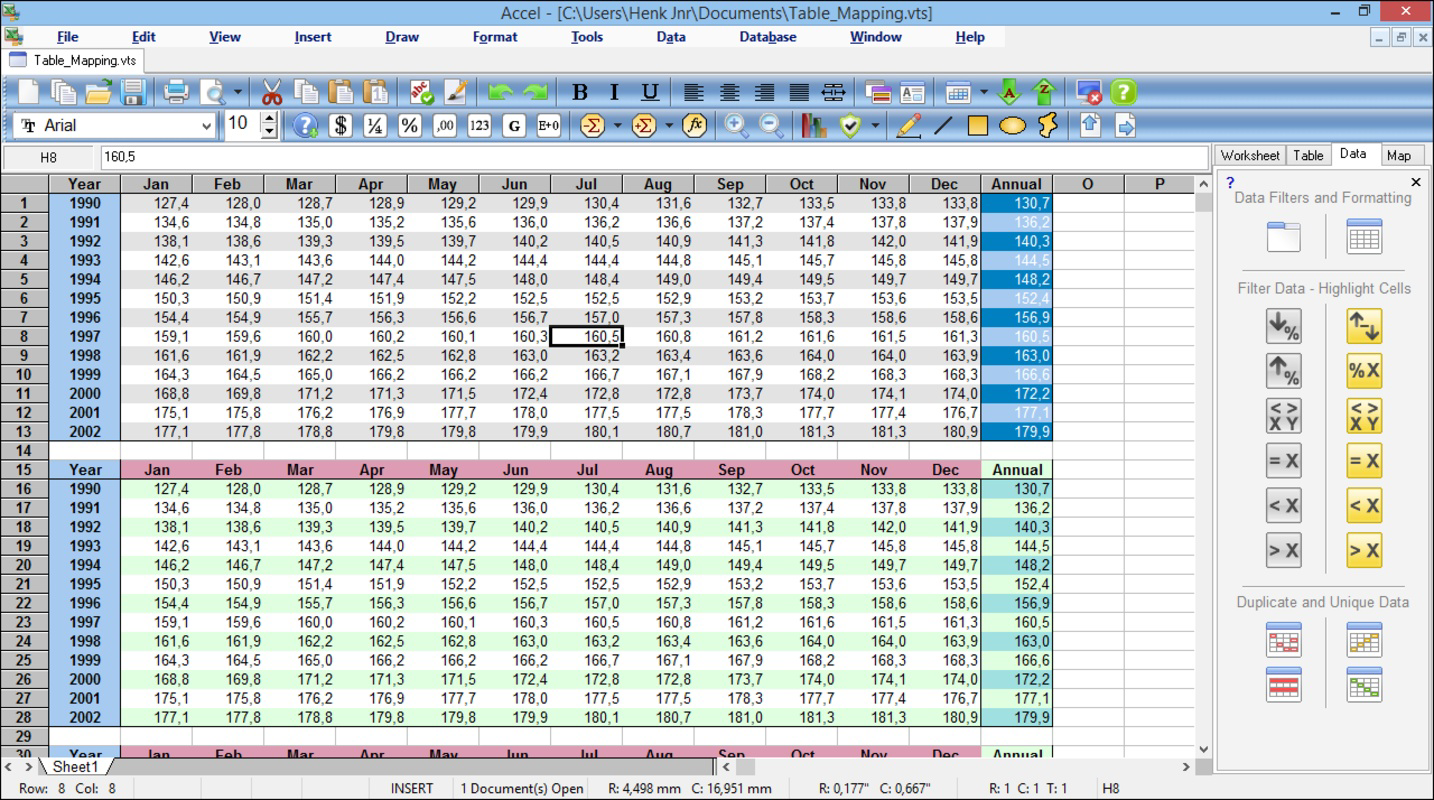
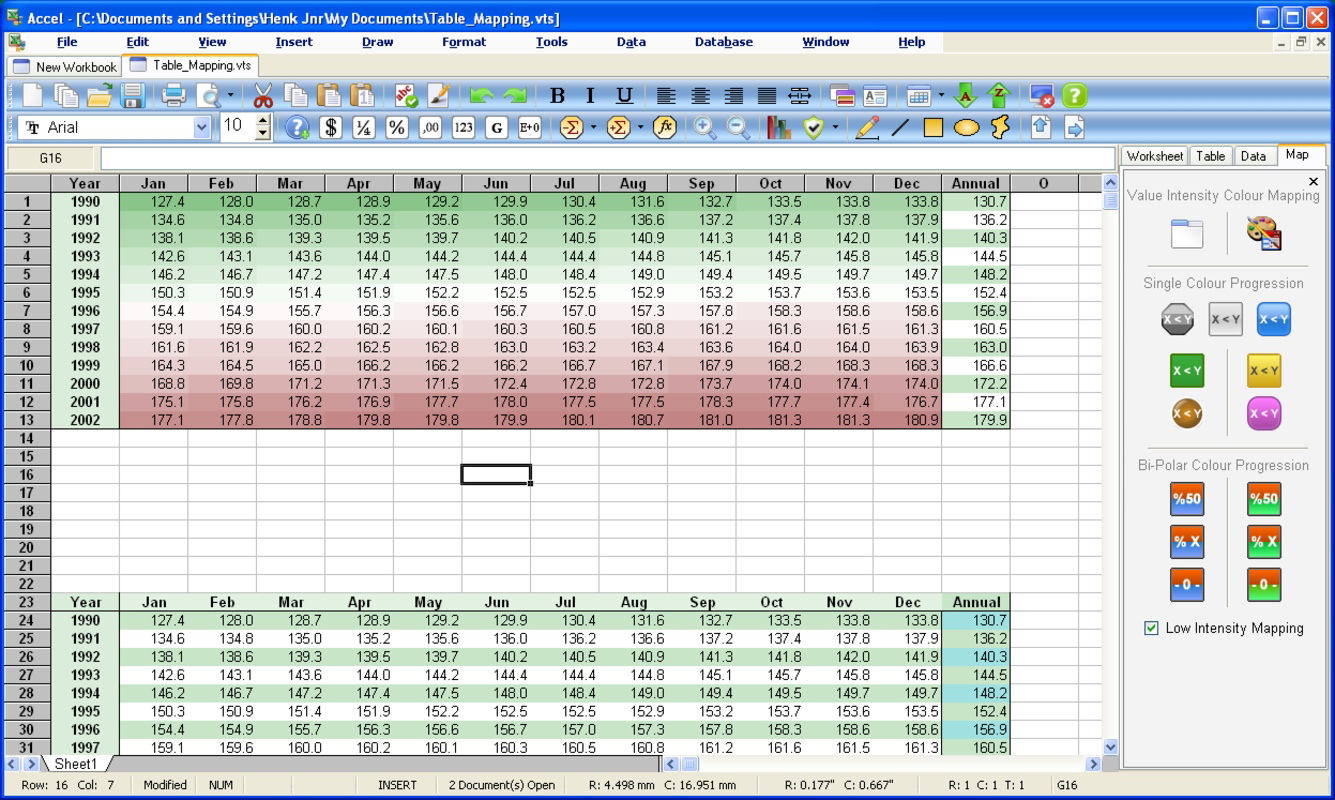
- Dynamic Chart Generation: Users can generate both 2D and 3D visualizations directly from their data. The app intelligently recommends chart types based on data patterns, helping users present information more effectively in reports or presentations.
- ODBC Connection System: This feature allows integration with external databases using SQL queries. It is ideal for users who need to pull or push data from structured sources, enhancing the app’s utility in data-heavy workflows.
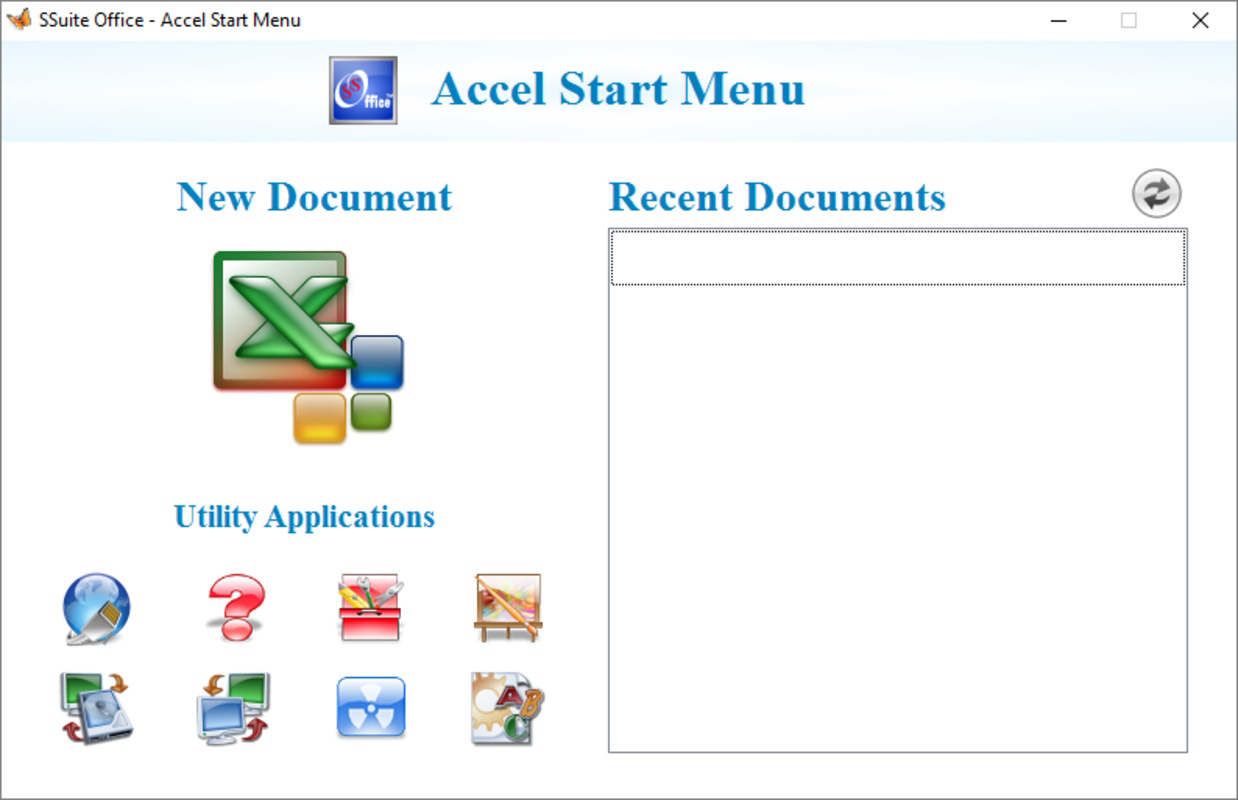
- Recent Document History: A built-in history tracker lets users access their most recently opened files with minimal navigation, reducing time spent searching and improving task continuity.
- Free and Ad-Free Experience: The app remains fully functional without advertisements or paywalls, promoting uninterrupted productivity and user trust.
For example, a teacher could use the calculation tools to grade student scores and automatically generate performance charts. A small business owner might connect to a database via ODBC to track sales trends in real time. These real-world applications demonstrate the app’s versatility and practical value across different domains.
Interface, UX & Performance
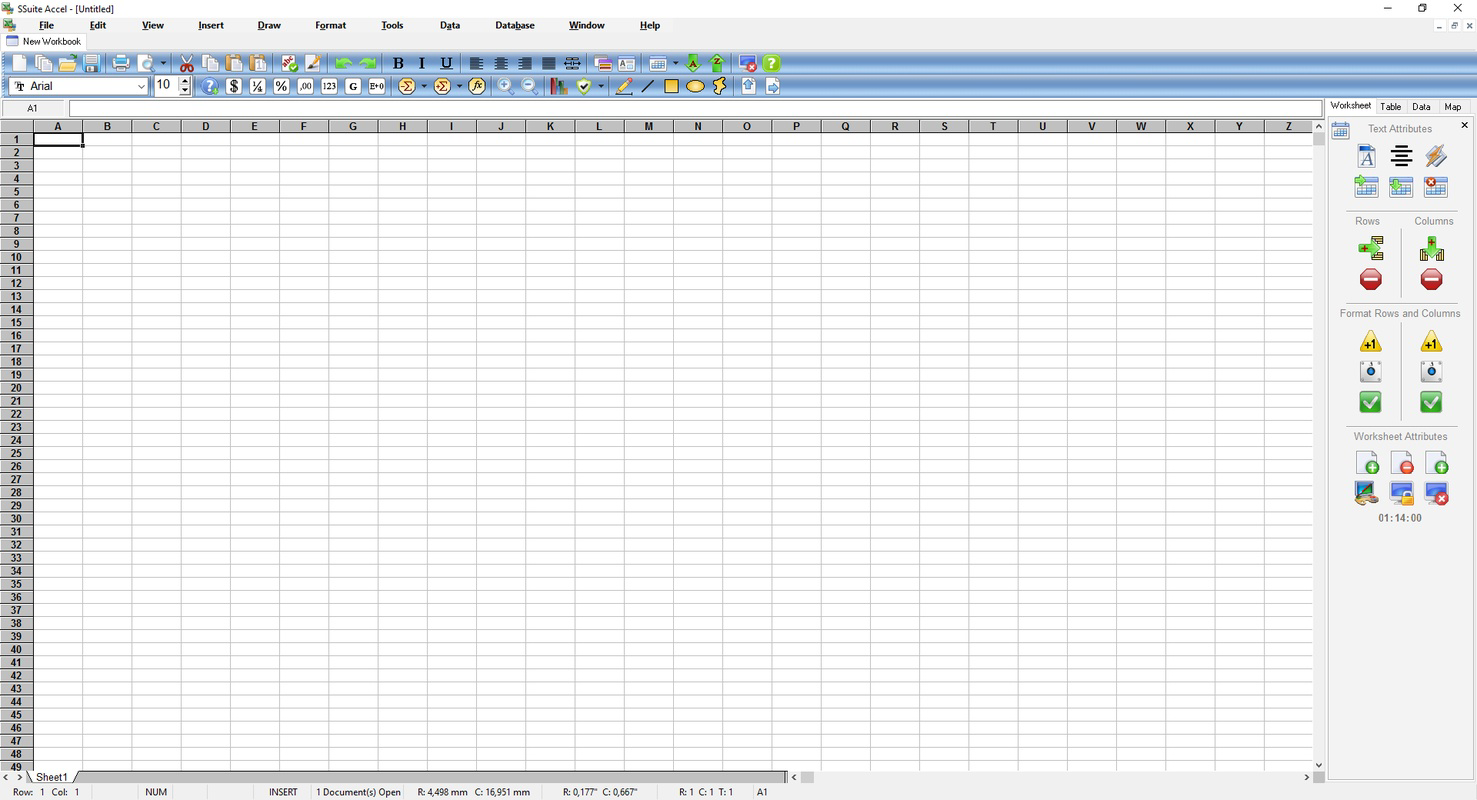
SSuite Accel Spreadsheet features a clean, minimalistic interface designed for efficient data entry and navigation. The layout prioritizes functionality, with toolbars and menus organized to minimize clutter while maintaining accessibility. Users can expect a straightforward workflow from data input to chart creation, with logical grouping of related functions.
Navigation is intuitive, allowing users to switch between worksheets, adjust cell formatting, and apply formulas with minimal effort. The responsiveness of the interface appears consistent across different screen sizes, though the developer did not list formal performance metrics. Although the app is lightweight at 2.8 MB, its performance may vary depending on system resources and the complexity of the data being processed.
Stability is generally reliable, with no reported issues related to crashes or data corruption. The app handles moderate workloads effectively, and file saving and loading operations appear to be efficient. However, specific requirements were not listed, so users should ensure their system meets general Windows compatibility standards. The absence of performance benchmarks does not detract from its usability, especially given its lightweight footprint and consistent operation.
Platform Compatibility & Technical Requirements
SSuite Accel Spreadsheet is available exclusively for the Windows platform. It is compatible with various Windows operating systems, though the developer did not specify minimum OS requirements. The app’s file size is 2.8 MB, making it highly portable and suitable for devices with limited storage.
Users can download and install the application without requiring administrative privileges in most cases, which enhances accessibility for both personal and institutional use. The software version is 2.8.1, indicating a mature release with established functionality. The developer did not disclose additional technical specifications such as CPU or RAM requirements, so compatibility information was not fully disclosed.
Given its small size and focus on core spreadsheet tasks, the app is likely to run smoothly on older or low-end Windows devices. However, users should verify system compatibility before installation, especially if using legacy systems.
Pros and Cons
Pros
- Completely free with no ads or in-app purchases
- Lightweight at only 2.8 MB
- Supports complex calculations and advanced formulas
- Offers dynamic chart generation for data visualization
- Includes ODBC connection for database integration
- Recent document history improves workflow efficiency
Cons
- Platform limited to Windows only
- No detailed system requirements provided
- Developer did not disclose update frequency or support timeline
- Limited to desktop use; no mobile or web version available
- Interface may appear outdated to users accustomed to modern design trends
FAQ
Is SSuite Accel Spreadsheet safe to download and install?
Yes, the app is distributed as a free tool without known malware or intrusive components. It is recommended to download only from official or trusted sources to ensure authenticity.
Can I use SSuite Accel Spreadsheet on mobile devices?
Currently, the app is only available for Windows. There is no official version for Android or iOS devices.
Does the app support external databases?
Yes, it includes an ODBC connection system that allows users to interact with external databases using SQL queries.
How often is SSuite Accel Spreadsheet updated?
The developer did not specify the update frequency. The current version is 2.8.1, released in 2017, and no further updates have been publicly announced.
Is there a way to export data from SSuite Accel Spreadsheet?
While export functionality was not detailed in the provided information, most spreadsheet applications of this type support common formats such as CSV or Excel. Users should check the app’s menu options for export features.
Final Thoughts
SSuite Accel Spreadsheet stands out as a capable, no-cost solution for users seeking a reliable tool for data management, calculation, and visualization. Its combination of powerful features—such as dynamic charting, ODBC integration, and advanced formulas—makes it a strong contender in the productivity space, especially for those avoiding subscription-based models.
While it lacks modern design polish and mobile availability, its lightweight nature and full functionality offer excellent value. It is particularly beneficial for educators, small business users, and independent developers who prioritize affordability and transparency. By choosing this app, users not only gain a functional tool but also support the ethos of independent software development.
Download SSuite Accel Spreadsheet now
Guides & Tutorials
How to install SSuite Accel Spreadsheet
- Click the Download button above.
- Once redirected, accept the terms and click Install.
- Wait for the SSuite Accel Spreadsheet download to finish on your device.
How to use SSuite Accel Spreadsheet
This software is primarily used for its core features described above. Open the app after installation to explore its capabilities.
User Reviews
No reviews yet. Be the first to share your experience.
You may also like
more
Que no te pillen¡
About !Que no te pillen¡Reviewed by Jason A. BilbreyShow MoreShow Less

3D Combat Zone
About 3D Combat ZoneOriginally released in 1983, 3D Combat Zone immerses players...

666: El día del portal
About 666: El día del portalOn June 6, 2006, Agent P. Stone uncovers a sinister...

80 in 1 Best Flash games
About 80 in 1 Best Flash games 80 in 1 Best Flash games is a collection of 80 fl...

ABYSS SEEKERーーWhat Do You See Deep in The Abyss
About ABYSS SEEKERーーWhat Do You See Deep in The AbyssIn ABYSS SEEKER, players...

ACA NEOGEO THE KING OF FIGHTERS 2002 for Windows
About ACA NEOGEO THE KING OF FIGHTERS 2002 for WindowsTHE KING OF FIGHTERS 2002,...